
How can we help?
WhatsApp is the fastest way to reach us. Below: the app guide, common tasks, and answers to the questions we get most.
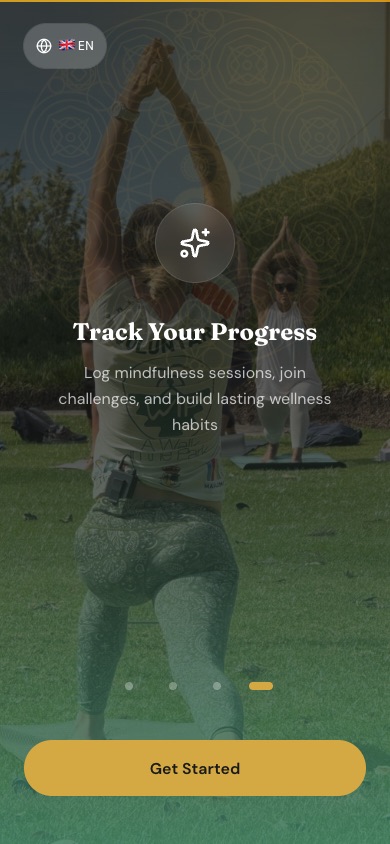
What the app looks like.
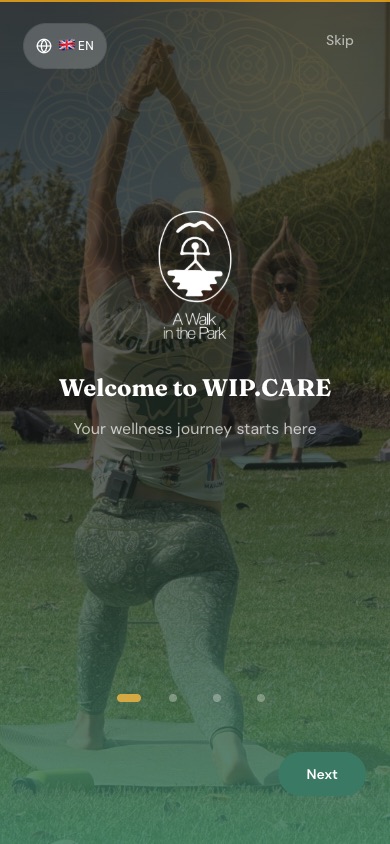
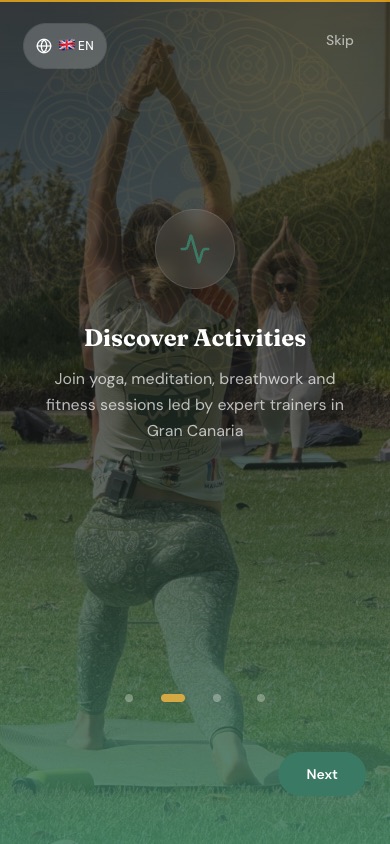
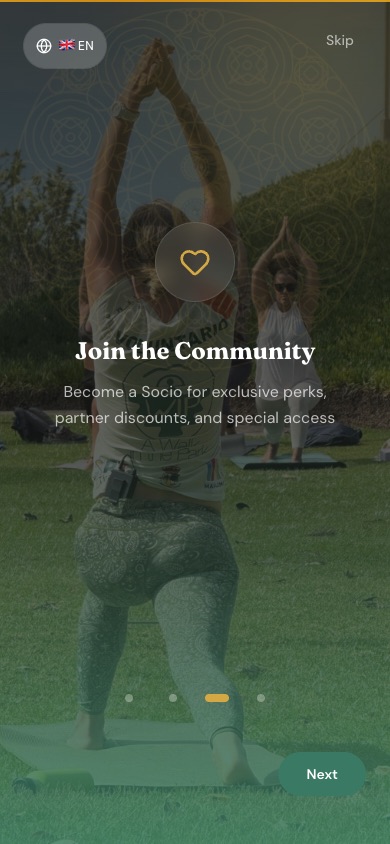
Four screens you see the first time you open it.
Three ways to talk to us.
We're a small team. Whatever channel you pick, a real person reads it.
Fastest. Usually answered within a few hours, often minutes during opening times.
+34 636 371 121Best for longer questions, catering quotes, sponsorship or anything with attachments.
[email protected]Come by
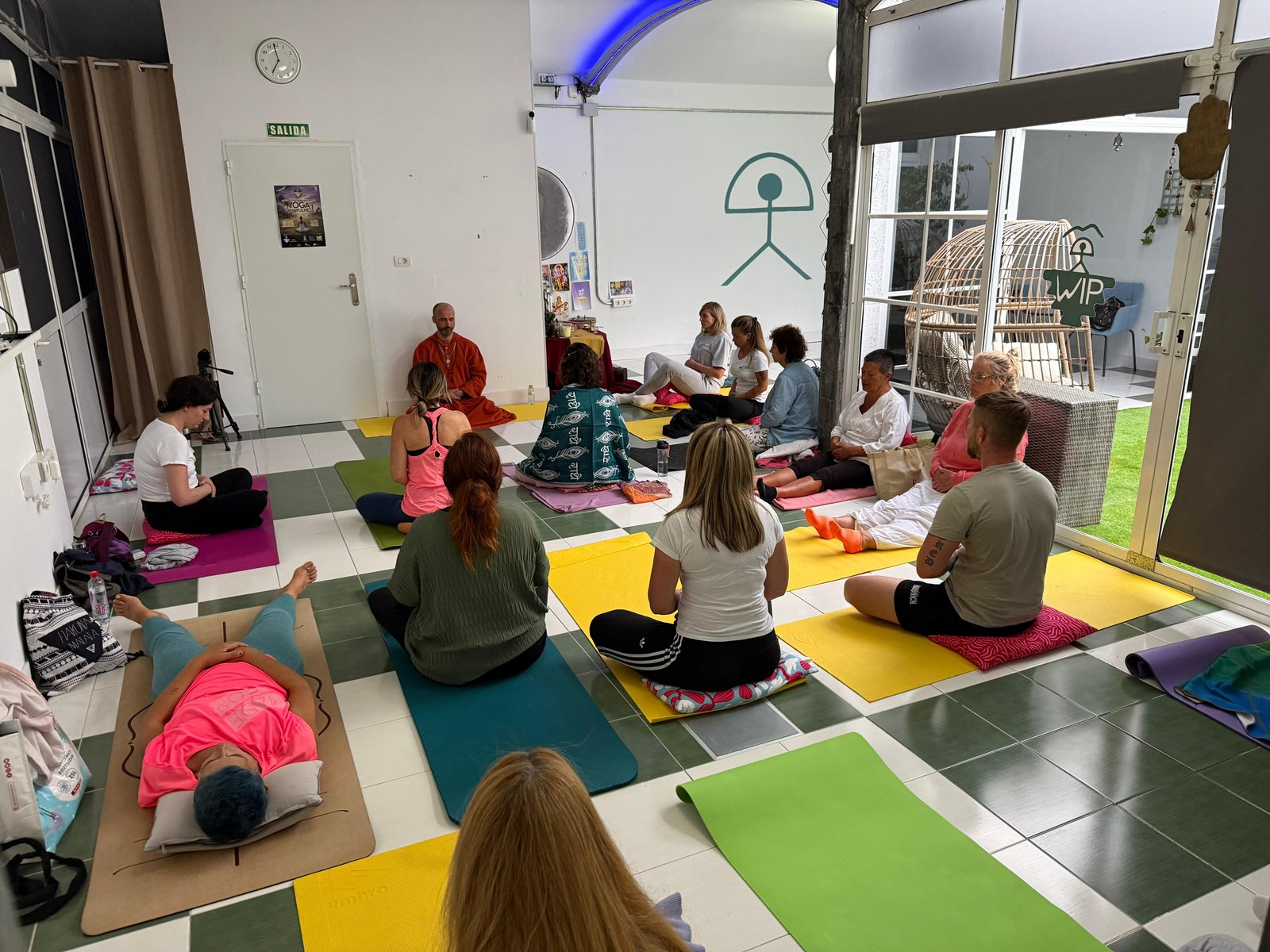
The Center, C.C. Eurocenter, Av. de Moya 6, Floor 4, Office 43/61, Maspalomas. Check the calendar first.
See the calendarEverything runs through the app.
Bookings, your Socio membership, donations, the live calendar. Free to download, free to use, works on iOS, Android and the web.
- 1
Get the app
Download from the App Store or Google Play at download.wip.care, or skip the install and use app.wip.care in your browser. Same account either way.
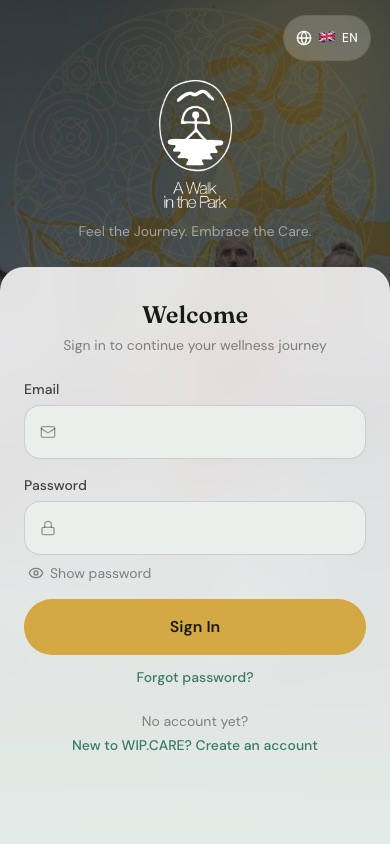
App sign-in screen - 2
Create your account
Email and a password. No membership required to sign up · you can browse the calendar and book free Sunday sessions straight away.
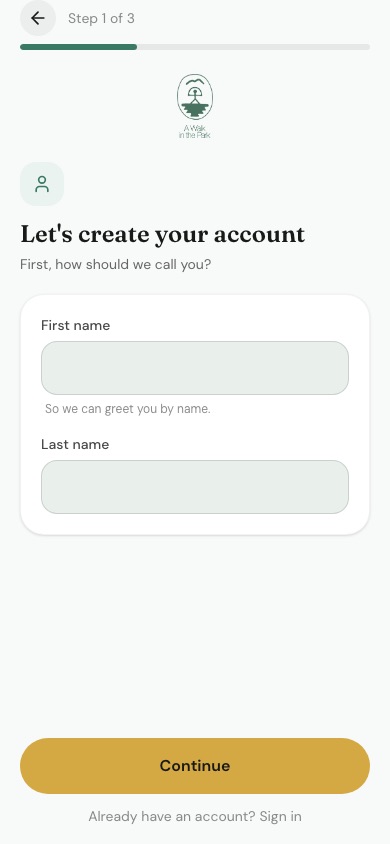
Account creation, step 1 of 3 - 3
Book a class
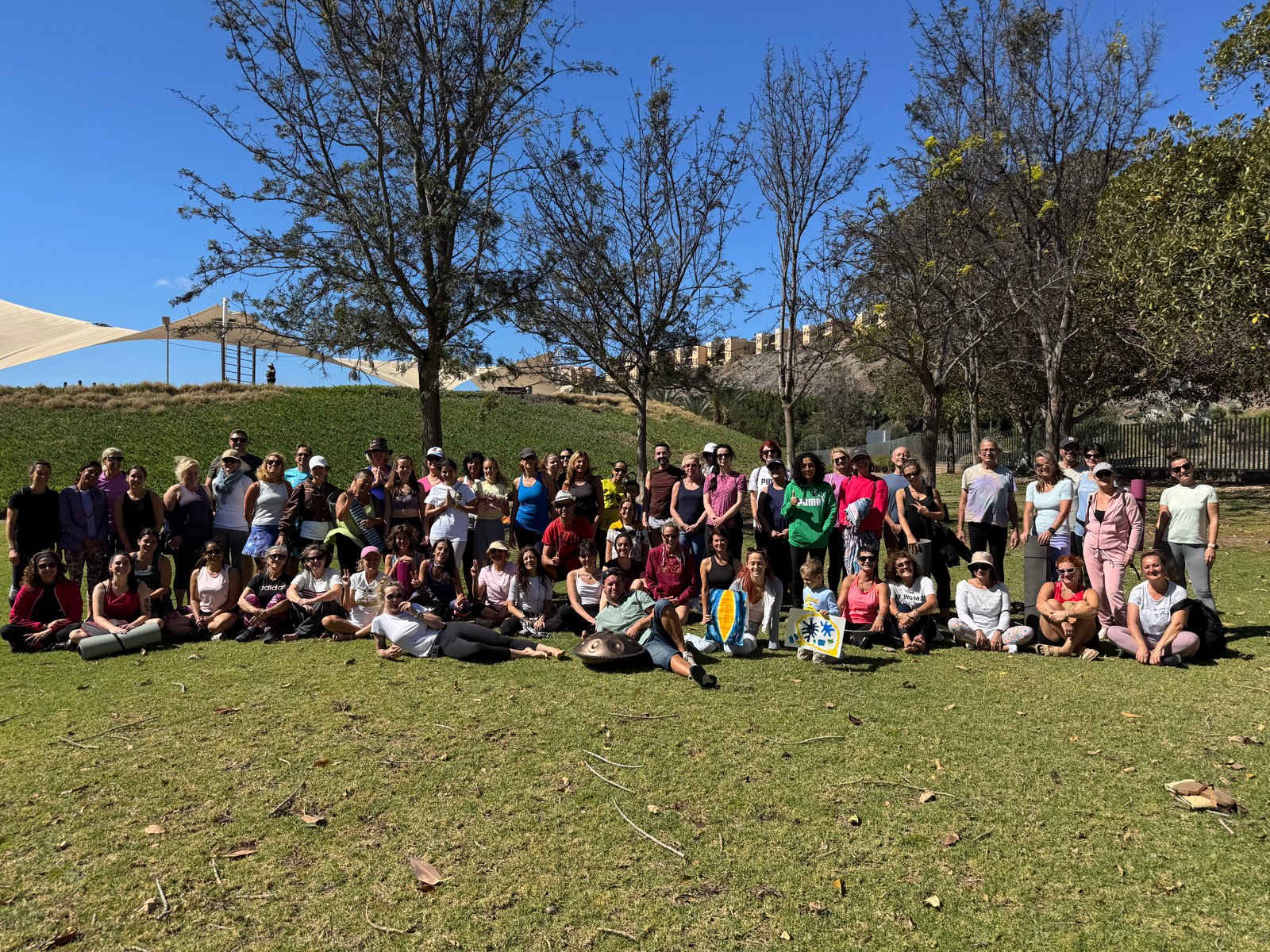
Open the calendar, tap the session you want, tap Reserve. Sunday park sessions are free and don't need booking · just show up at 10:00. Center classes have limited capacity, so reserving helps us plan.
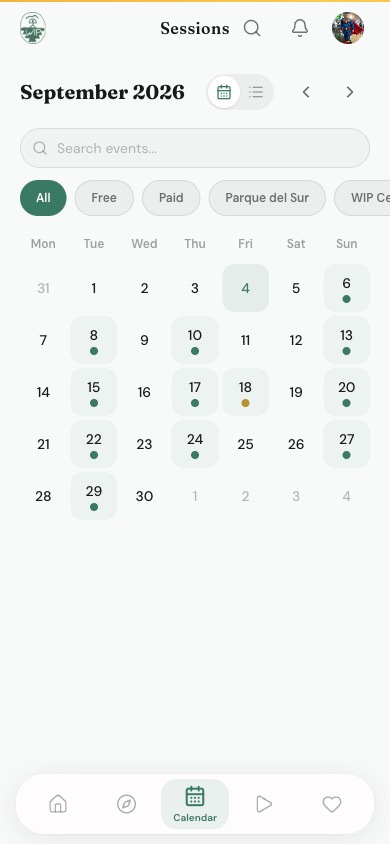
Month calendar with the sessions marked 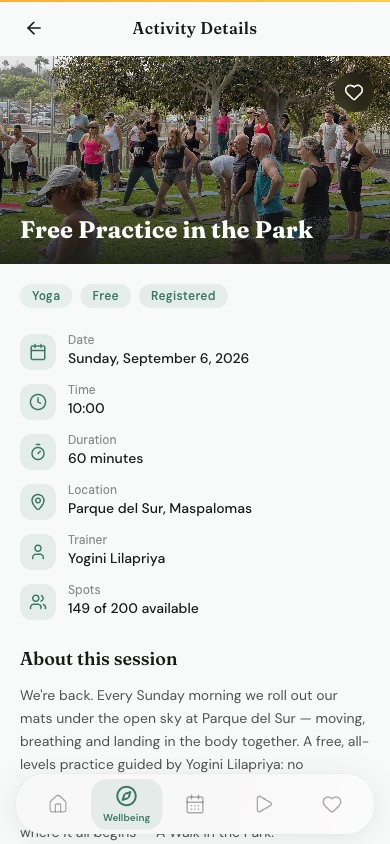
Session detail · date, time, location, teacher, spots left - 4
Pay (only for Center classes)
Drop-in classes are paid in the app or in person. Socios get reduced rates automatically once your membership is active.
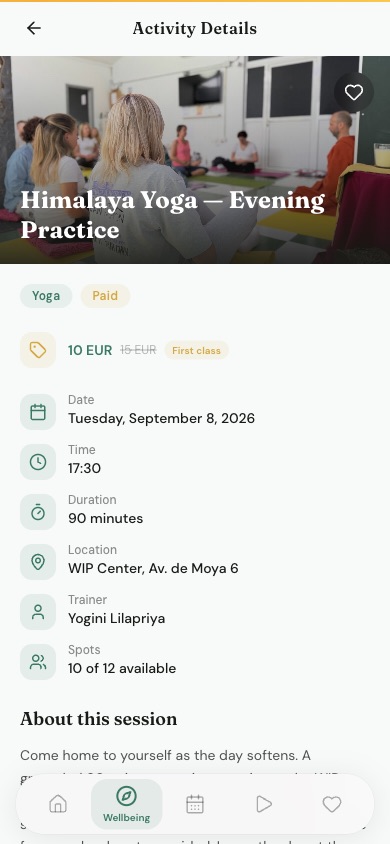
Session pricing shown before you book 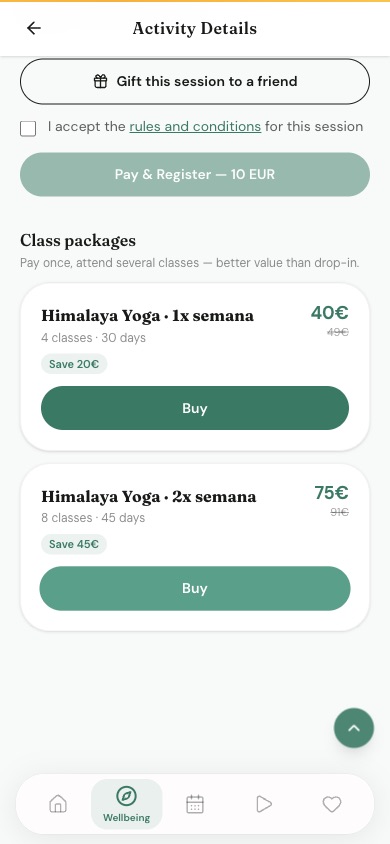
Pay & Register button and the multi-class packages - 5
Become a Socio
€21 per year, from the Membership section of the app. Reduced rates on every class, priority access to retreats and the festival, and a vote in the general assembly.
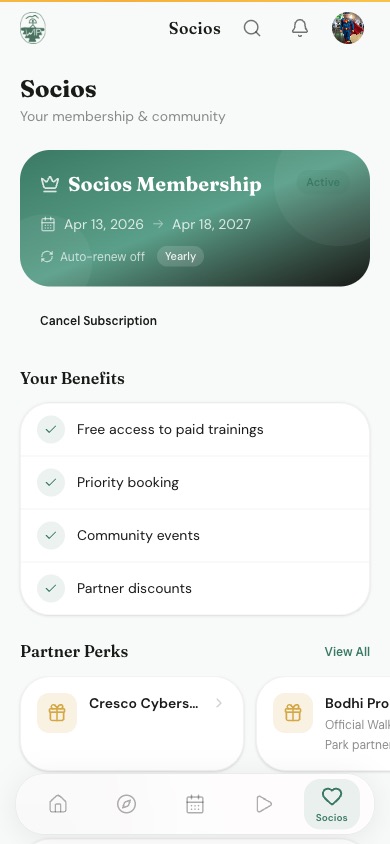
Socios membership screen with your benefits - 6
Donate
One-time or monthly, card / Apple Pay / Google Pay. 100% goes back into free programs · Sunday sessions, the Solidarity Kitchen, and the festival.
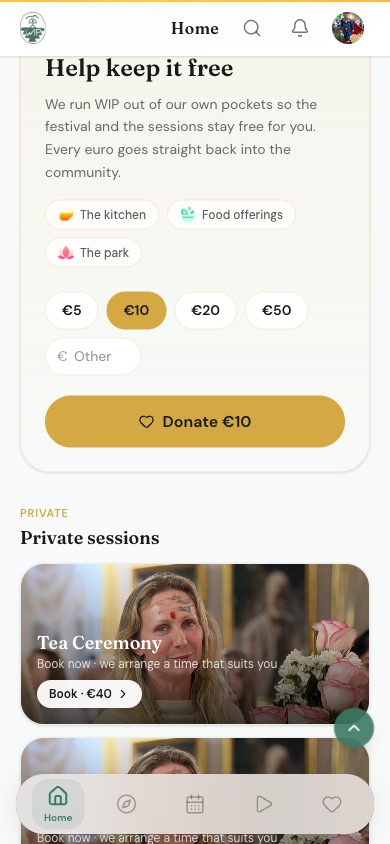
Donation screen · pick an amount and a cause
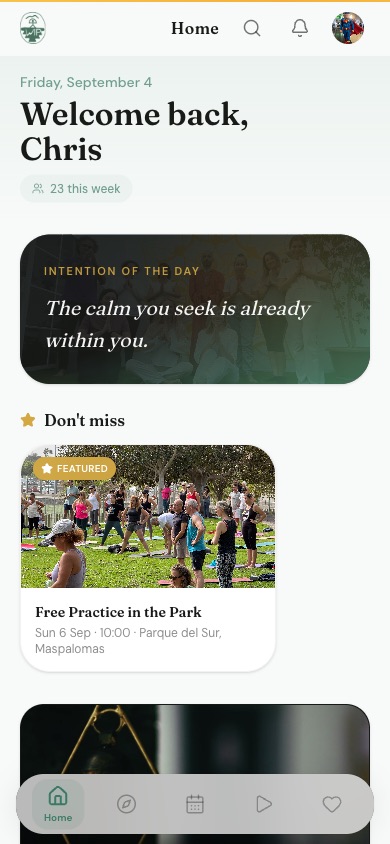
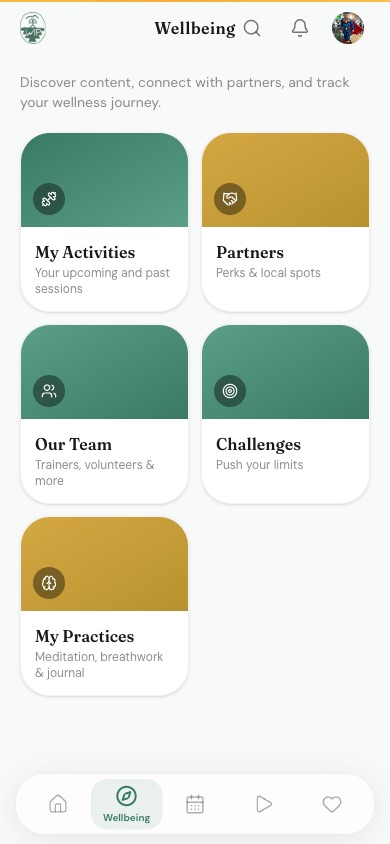
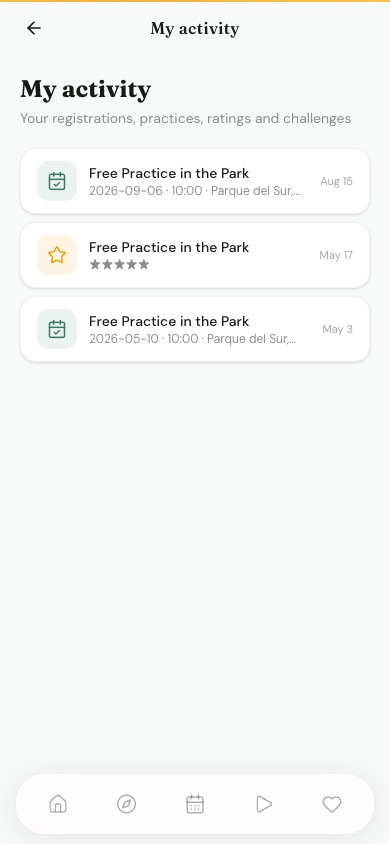
A few more screens.
Common fixes.
I didn't get a booking confirmation
Check your spam folder first. If it's genuinely missing, your booking may not have completed · open the app and look at My Bookings. If the session isn't listed, book it again. Still stuck: WhatsApp us with the class name and date.
I can't log in
Use the Forgot password link on the login screen · a reset email arrives within a minute. If the email never arrives, the account may be under a different address. WhatsApp us and we'll look it up.
I need to cancel a booking
Open My Bookings in the app and cancel from there. Please cancel at least 2 hours ahead so someone on the waiting list can take your place. Last-minute? Just WhatsApp us.
My Socio discount isn't showing
Membership takes a few minutes to activate after payment. Log out and back in to refresh. If the discount still doesn't apply after an hour, send us the payment receipt on WhatsApp.
The calendar looks empty
Check the month you're viewing · the app opens on the current month. Note that the Center and Sunday park sessions close for July and August; sessions resume Monday 1 September.
The app or site seems down
Check status.wip.care · it shows live uptime for the website, the app and the API. If everything is green there, try a hard refresh or reinstall. If it's red, we're already on it.
Jump straight to it.
Come to my first session
What to bring, where to go, what to expect
First visit guideSee what's on this week
Live schedule, synced with the app
Open the calendarBecome a Socio
€21/year · reduced rates on everything
Membership detailsVolunteer with WIP
Festival, kitchen, classes, admin · no experience needed
How to volunteerBook catering
Solidarity Kitchen · vegan and Ayurvedic, for any event
Request a quoteSupport the mission
One-time or monthly, every euro funds free programs
Make a donationThe questions we get most.
38 more in the full FAQ, searchable and grouped by topic.
How do I book a class? Where is the WIP Care app?
All bookings happen through the WIP Care app · calendar, classes, retreats, the festival. Download it at download.wip.care (iOS and Android), or open the web version at app.wip.care. Free bookings don't require payment; paid classes can be paid in-app.
Do I need to register in advance, or can I just show up?
No registration is required for the Sunday park session. For indoor classes at the Center, we recommend reserving a seat through the WIP Care app · capacity is limited and reservations help us plan.
Are all sessions free?
Sunday in the park is always free, no registration, no signup. Indoor classes at the Center are €10–€20 drop-in (with reduced rates for Socios). Retreats and the MBW mindfulness program have their own tuition.
How do I become a Socio?
Annual membership is €21 per year. You can sign up via the WIP Care app or by messaging us directly. Membership lasts a full calendar year from the date of joining.
What should I bring with me to a session?
Comfortable clothes, a yoga mat or towel, and water. For outdoor Sundays, add sun protection. For Sound Bath, you can bring a blanket and a pillow if you'd like extra comfort. We sometimes have spare mats available for park sessions.
Do you continue activities during summer or winter?
WIP runs sessions all year round, with one exception · we typically pause in August because of the heat. Outside of that, we're here every Sunday and most weekdays at the Center.
Write to us · we actually read it.
No ticket system, no bot. A message on WhatsApp or the contact form reaches the same small team that teaches the classes.